
Article
TurboX Mini: Three Key Tests and Common Questions Explained
Explore key performance tests and common questions for the Gaahleri TurboX Mini portable compressor. Clear answers on PSI, noise, and heat.
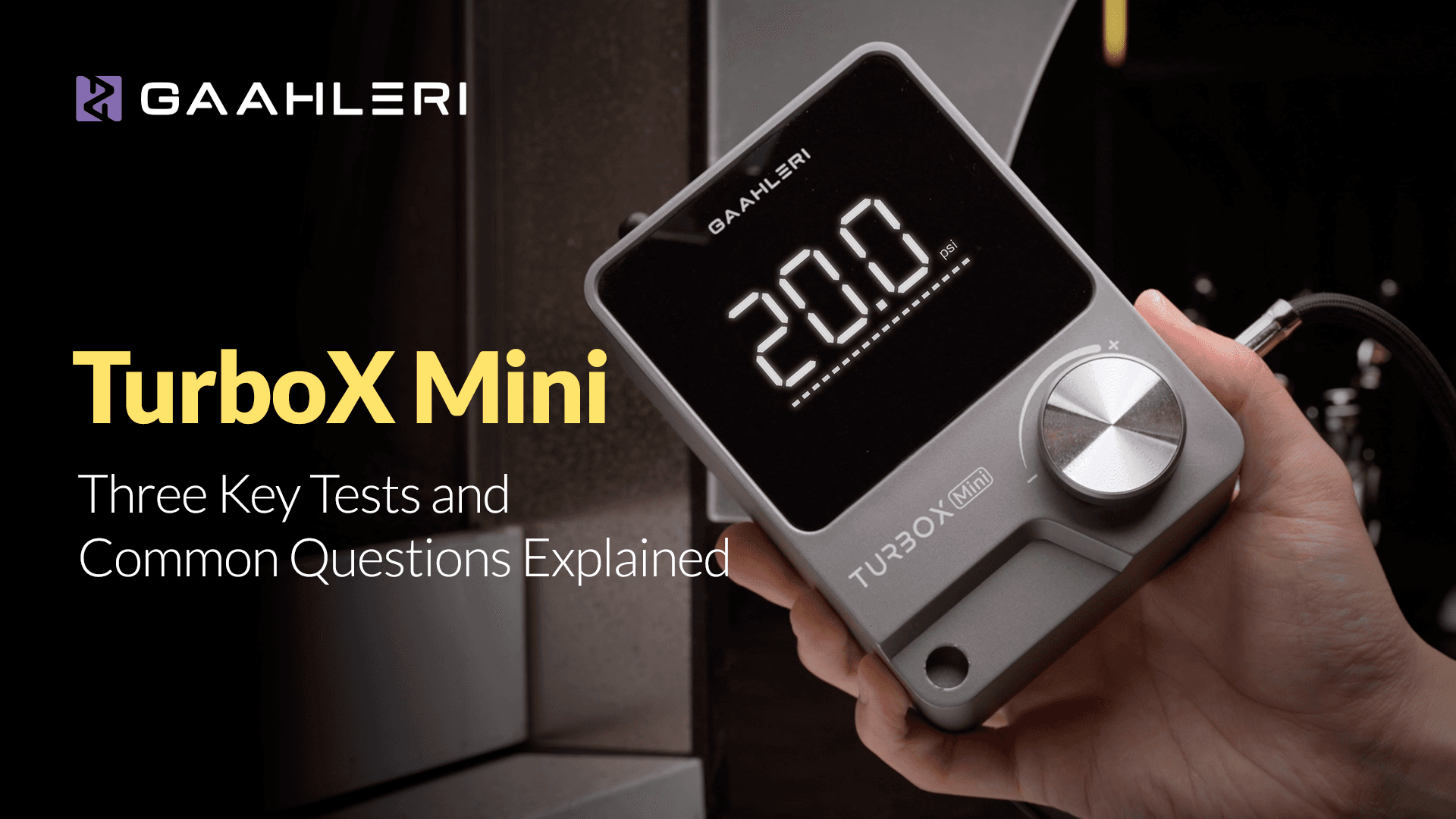
Since its release, TurboX Mini has received widespread positive feedback from the modeling and creative community. Users especially liked its compact portability, quiet operation, and versatile performance, making it ideal for desktop workspaces, small studios, and portable setups.
However, some users are confused as the idle pressure differs from the actual working pressure, and others have questions about how the overheat protection functions in real‑world use.
In this article, we’ll walk you through three essential tests and answer some common questions about the TurboX Mini.

1.Noise
We measured the TurboX Mini’s operating noise at a distance of 1 meter, using a decibel meter mounted on a tripod to reduce external vibration interference. This setup helps simulate a working environment rather than an isolated lab.
Low setting: 52.1 dB
Medium setting: 54.9 dB
High setting: 56.9 dB
During the test, we connected an airbrush and ran the TurboX Mini at low pressure for 15 seconds. Creating noise level of an average around 54.6 dB while actively spraying.
The coffee machine produces noise at 62 dB, while a typical office keyboard and typing environment is at 60 dB. The Turbox Mini averages 54.6 dB which is considerably low for an air compressor. We achieved this by increasing the enclosure thickness to 4mm and added padded foam to dampen the noise.


2.Airflow Stability
Stable pressure delivery is crucial for consistent paint atomization and clean lines during airbrushing. To test this, we sprayed with Kaleido ColorWorks Black paint (K002) using several airbrush models:
Mobius 0.2 mm
Mobius 0.3 mm
Mobius SP
Seeker
Each airbrush was tested continuously for 10 seconds at different settings.
Results showed that the TurboX Mini maintained a stable pressure of approximately 5 PSI on the low setting, 8 PSI on the medium setting, and 11 PSI on the high setting.
These pressures fall within recommended ranges for many modeling tasks. For example, typical airbrush PSI for model painting often sits between 15–25 PSI for full coverage flat spraying work and 10–15 PSI for detail work.
The TurboX Mini also responded quickly to trigger changes, with minimal lag between user input and compressor response, which is important for fine control spraying.

3.Overheat Warning and Protection Feature
This feature is developed especially for the TurboX Mini to prolong its lifespan. Because of its compact size and tangles design, the motor must keep pumping air continuously for as long as it's needed. Throught the process, the motor will generate heat from friction and without protection of warning, it could cause irreversible damage to the compressor.
Overheat protection indication and behavior:
At 85 °C: Warning light begins flashing
At 95 °C: Compressor automatically shuts down
To test this, we first raised the internal temperature to 60 °C in a controlled oven, then ran the compressor continuously on high until the built‑in safety thresholds were reached. It took approximately 4 hours to reach 85 °C and another hour to trigger automatic shutdown at 95 °C. This confirms that the protection system works as designed to prevent damage during extended use.
Note: The duration to reach these temperatures may vary depending on surrounding conditions. In warmer or hotter environments, internal heat may build up faster.
Also keep in mind that the compressor is hot when the internal temperature builds up, for safety, avoid direct contact with your skin and take regular breaks during long paint sessions.
Common Questions
1.Actual working pressure or rated pressure
Many users have noticed that the actual working pressure differs from the idle pressure displayed on the screen. The idle air pressure can reach up to 30+PSI when not triggering the airbrush. However, when using an airbrush, the screen displays the real-time working pressure, which provides around +-15PSI consistent pressure and up to 20 PSI depending on the airbrush and nozzle sizes that you're using (eg. 13-15psi for GHAD-39). To adjust the working pressure, it should be done while triggering the airbrush.
2.Can I use the TurboX Mini with large nozzle airbrushes?
TurboX Mini is optimized for small‑nozzle airbrushes (e.g. Mobius 0.2 mm, Mobius 0.3 mm). For larger airbrushes, a higher‑capacity compressor may be needed.
Feel free to drop a comment below or join our Discord to continue the discussion.